
Module admin UI
A module’s admin UI is declarative. resources declares the data, admin declares the screens, and
functions with "trigger": "admin" back the interactive parts. The dashboard renders it — a module
never ships UI code. See Module manifest for the rest of the package.
Everything on this page requires "palette": 2. With palette 1 the publish endpoint rejects the
newer field types, the field rules, the timeline/track/results layouts, the table/chart/
alert/results widgets, UI hooks and detail children.
"admin": { "palette": 2, "title": "UI gallery", "icon": "layout-dashboard", "order": 90, "pages": [], "dashboard": [], "player": []}| Key | Meaning |
|---|---|
palette | 2. |
title | Module name in the sidebar and page subtitles. |
icon | Lucide icon name, e.g. sword, sliders-horizontal, layout-dashboard. |
order | Sort order inside the MODULES section of the sidebar. |
pages | Screens, in sidebar order. |
dashboard | Blocks on the project dashboard. Only stat, action-button, table, chart, alert. |
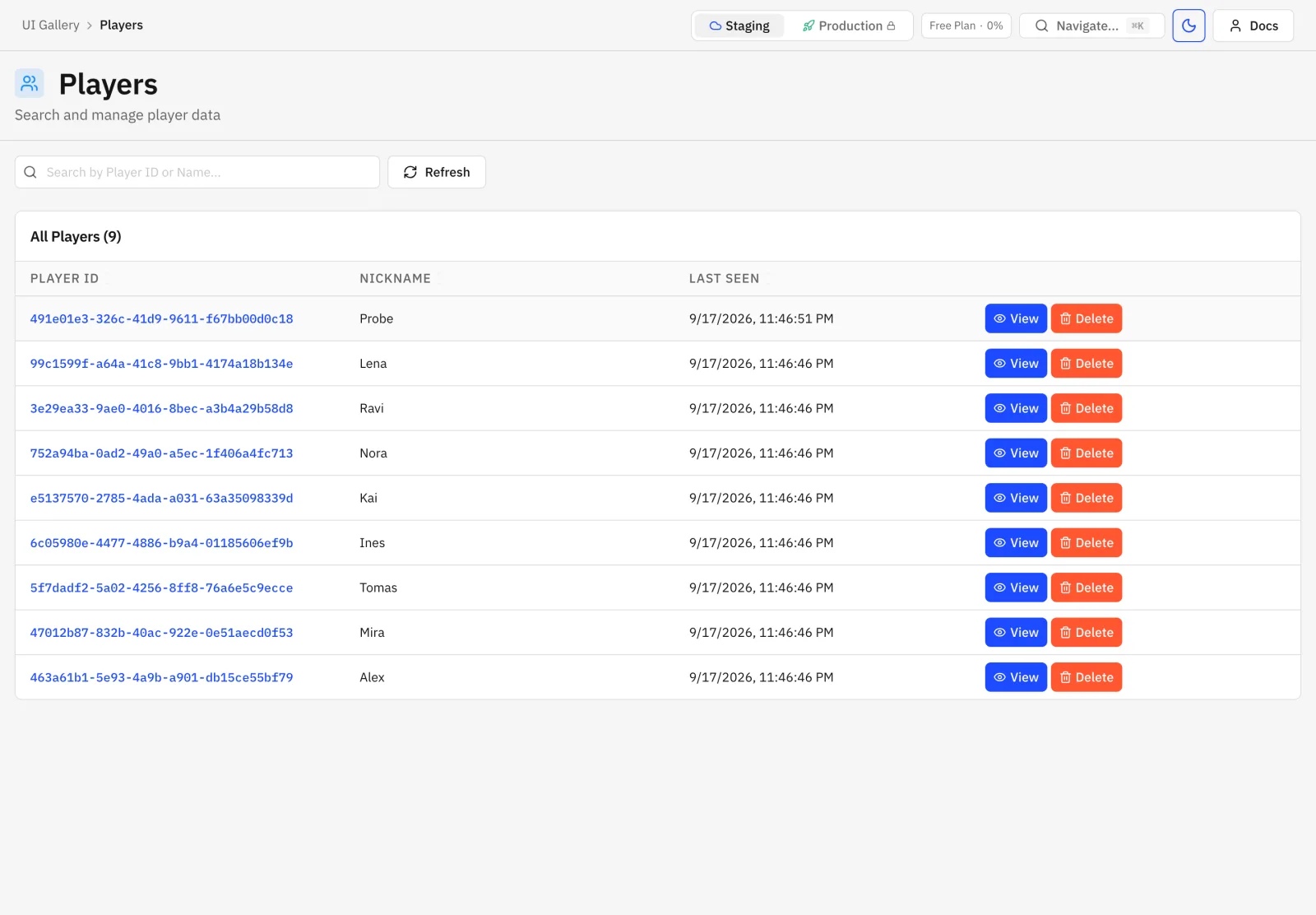
player | Blocks on the player detail page. A resource-table there must be player-scoped. |
samples sits next to admin at the top level of the manifest.
Field rules
Section titled “Field rules”Every field in resources.*.fields and in a widget input accepts:
| Key | Applies to | Meaning |
|---|---|---|
type | all | Required, one of the types below. |
required | all | Marks the editor with * and rejects empty values. |
label, description, placeholder | all | Editor label, help text, placeholder. |
default | all | Filled on create and for absent fields on update, recursively into objects and list items. |
visibleIf | fields of an object, including the top level | { "field": "kind", "eq": "json" } or { "field": "kind", "in": ["a", "b"] }. Exactly one of eq/in, the named field must be a sibling. A hidden field is not required and its value is dropped on save. |
unique | top-level string, number, enum, ref | Unique per resource. |
min, max | number value, string length, list item count | Inclusive, non-negative for string and list. |
step | number | Positive; the value must be a multiple of it, counted from min (or 0). |
pattern | string | RE2 regular expression the whole value must match. |
slug | string | { "from": "name" }; implies unique and ^[a-z0-9_]+$. |
display, summary, indexLabel | list | See list below. |
The dashboard applies the rules while editing; the backend enforces them on every row write, from
REST, from resources.create/update inside a module, and when a sample is created. Cross-field and
business rules belong in the validate hook.
Field types
Section titled “Field types”string
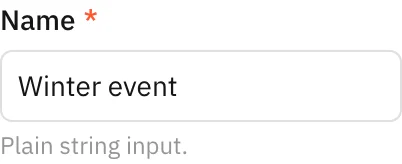
Section titled “string”Text input. min/max bound the length, pattern constrains the value.
string with slug
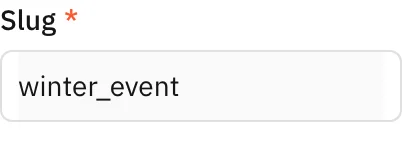
Section titled “string with slug”{ "type": "string", "required": true, "slug": { "from": "name" } }Filled from the source field while the row is new, then locked.
number
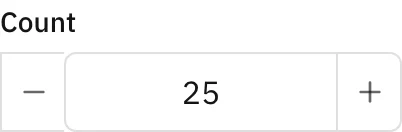
Section titled “number”min, max, step.
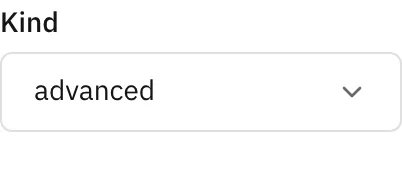
enum is required. The list page shows the value as a badge and can filter by it.
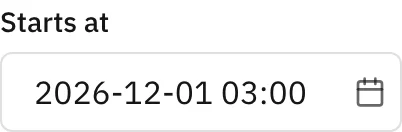
datetime
Section titled “datetime”ISO-8601 string, date and time picker.
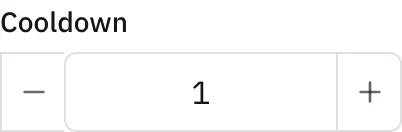
duration
Section titled “duration”Duration string such as 24h: a number plus a unit.
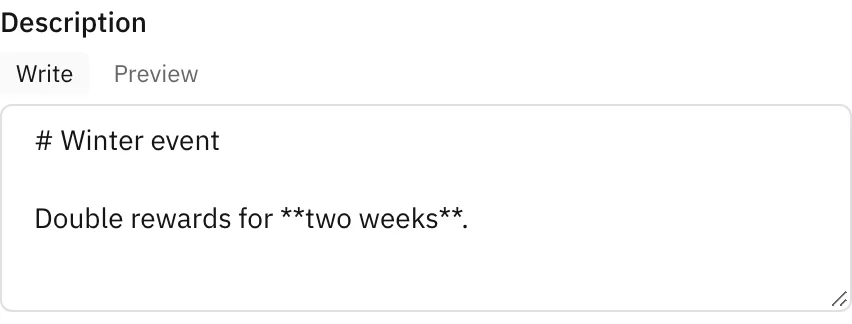
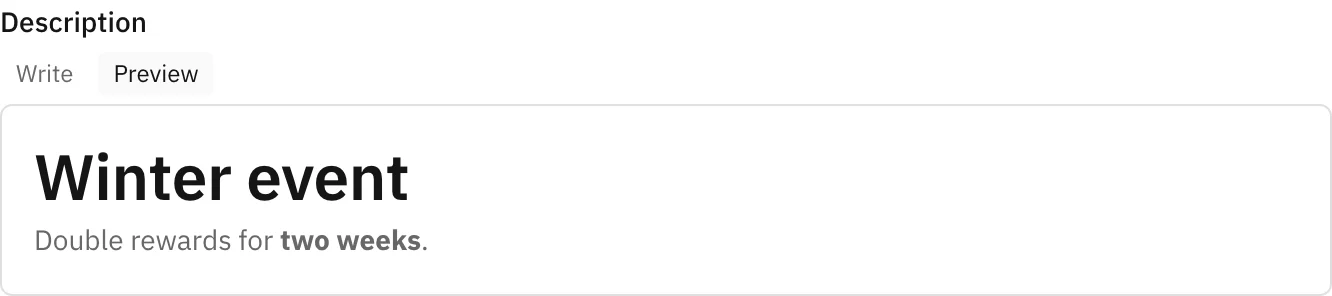
markdown
Section titled “markdown”Write and Preview tabs.
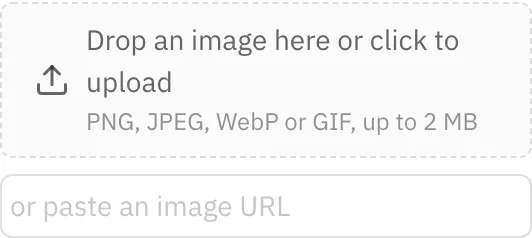
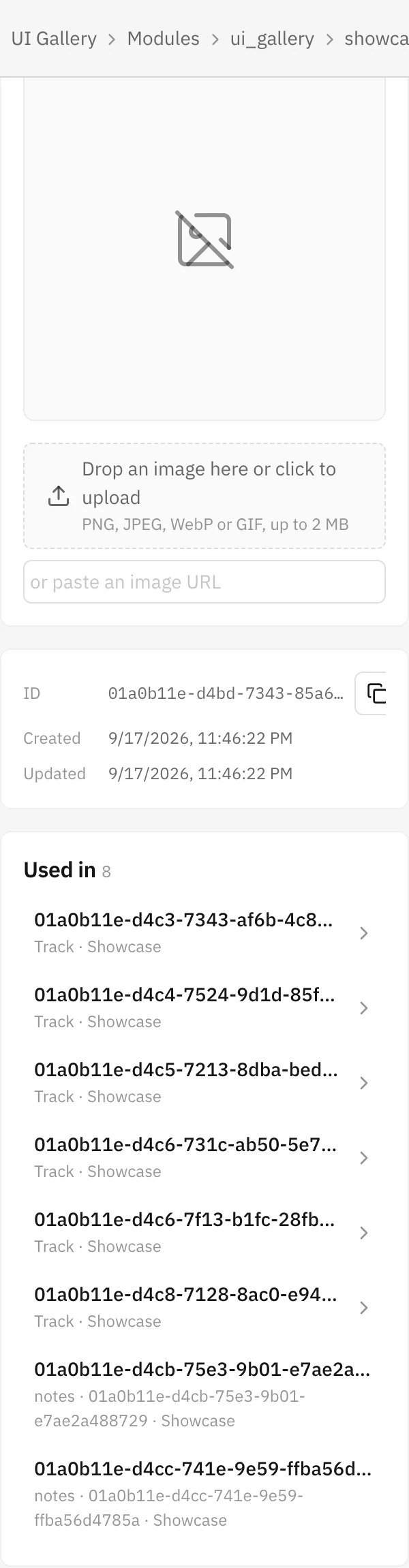
URL string. Upload (PNG, JPEG, WebP, GIF up to 2 MB) or paste a URL. A field named in detail.image
moves to the side column of the detail page.
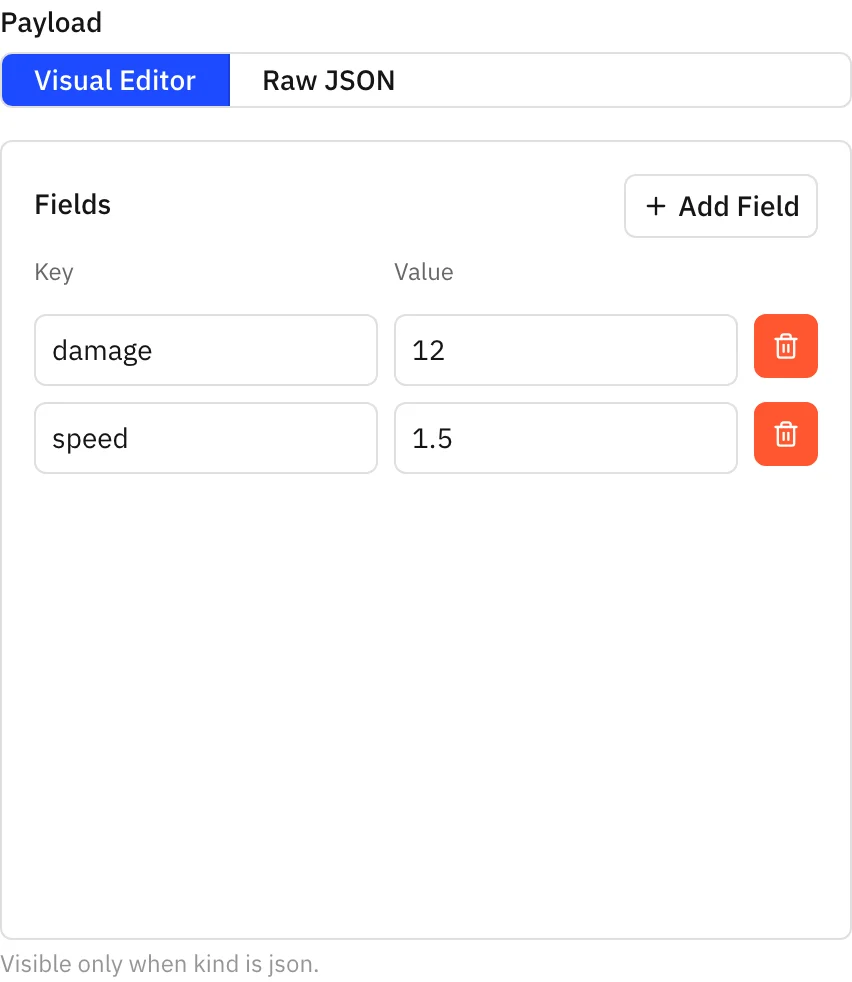
Free-form object in a JSON editor. The example below also uses visibleIf, so it only shows up when
kind is json.
object
Section titled “object”{ "type": "object", "fields": { "mode": { "type": "enum", "enum": ["default", "custom"] }, "threshold": { "type": "number", "visibleIf": { "field": "mode", "eq": "custom" } } } }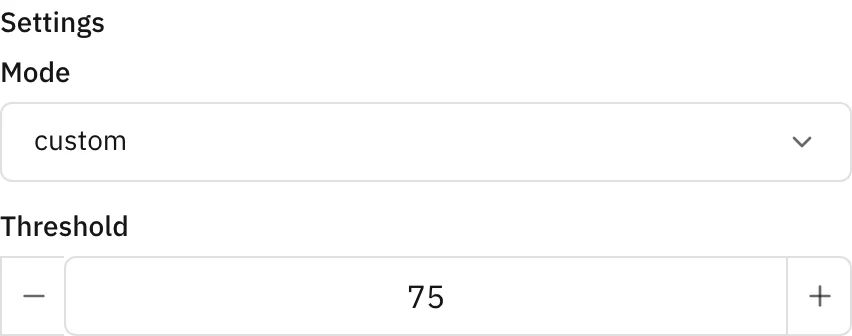
items is required and can be any field, including object. Items drag to reorder and collapse.
| Key | Meaning |
|---|---|
items | The item field. |
min, max | Item count bounds; max disables Add. |
summary | A field of the object items shown in the collapsed header. |
indexLabel | number (#1) or rank (1st). |
display | tags, string items only. |
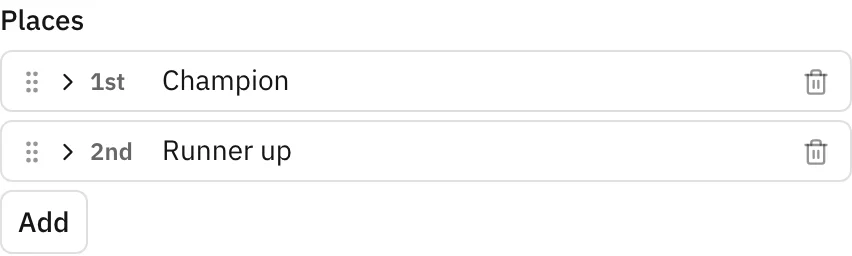
With "display": "tags" the editor becomes a creatable multi-select whose suggestions come from the
values other rows use for that field.

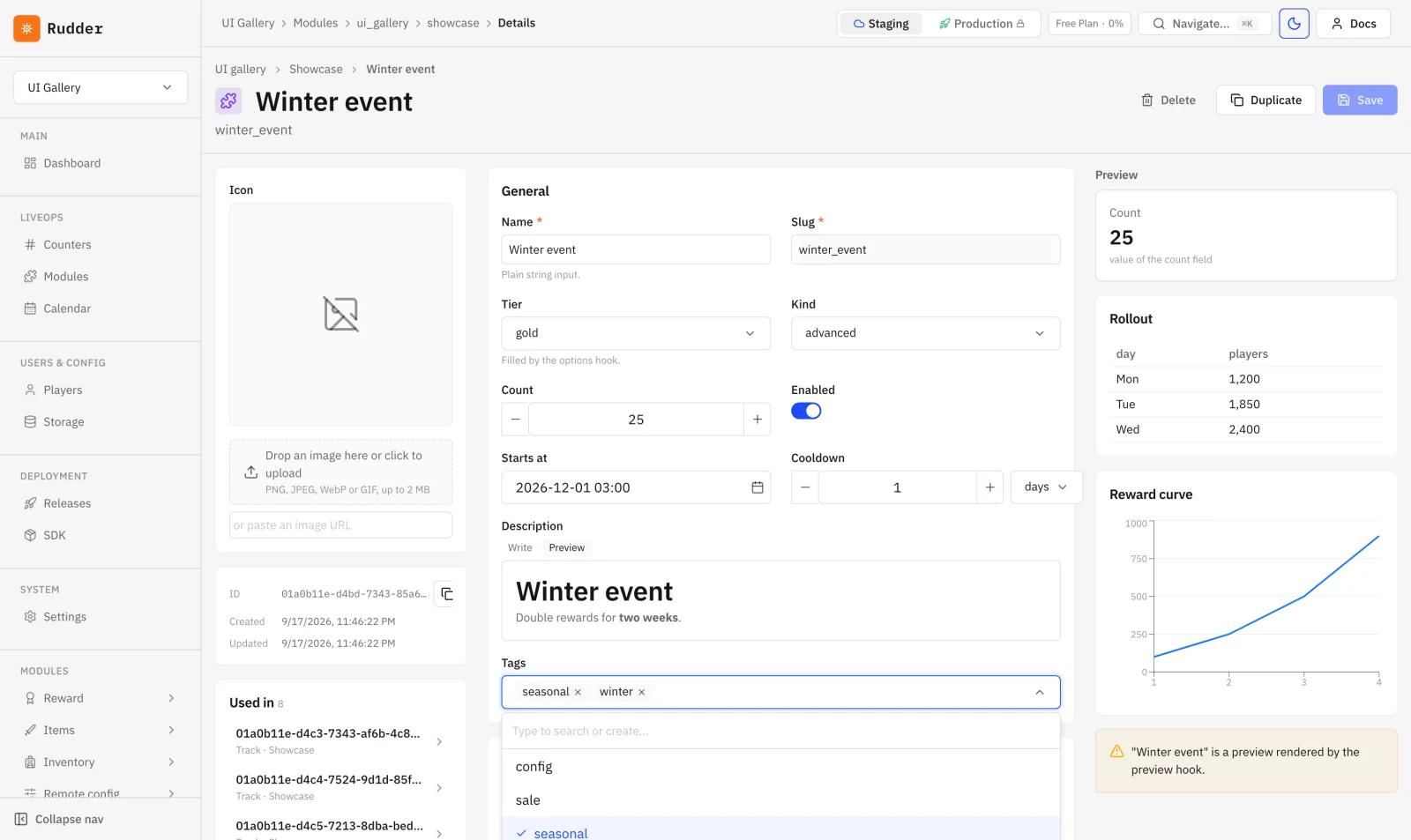
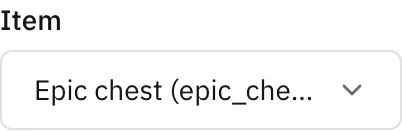
{ "type": "ref", "ref": "items", "refKey": "slug" }ref is the target resource, refKey the field stored instead of the row id. The target row lists
incoming references under Used in.
reward
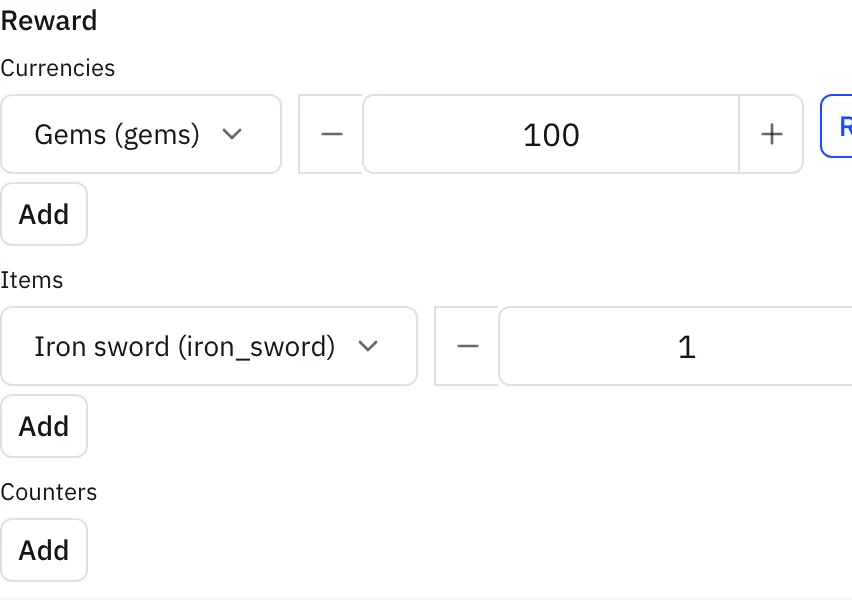
Section titled “reward”Stored as { "currencies": {}, "items": {}, "counters": {} }. ref/refKey point the item picker at
a resource.
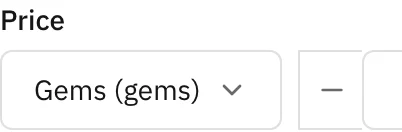
{ "currency": "gems", "amount": 499 }, amount is non-negative.
condition
Section titled “condition”{ "counter": "matches_won", "operator": "gte", "value": 10 }. Operators: gte, gt, eq, lte,
lt.

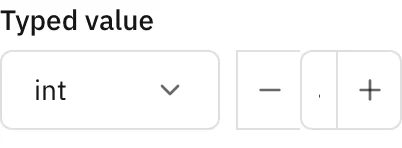
Typed value: { "type": "string" | "int" | "float" | "bool" | "json", "value": ... }.
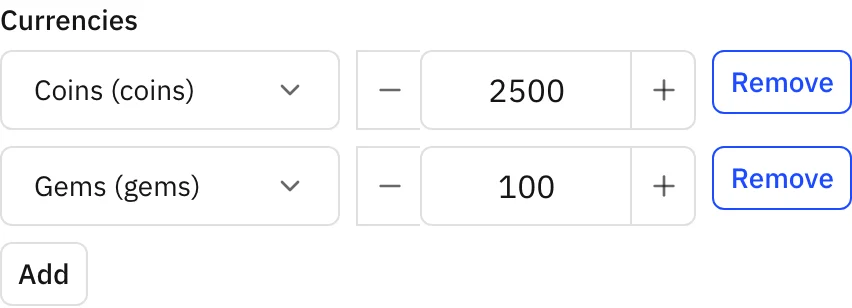
{ "type": "map", "keys": { "kind": "currency" }, "values": { "type": "number", "min": 0 } }keys.kind is counter, currency, item or ref (with keys.ref and an optional keys.refKey).
values is any field.
ranges
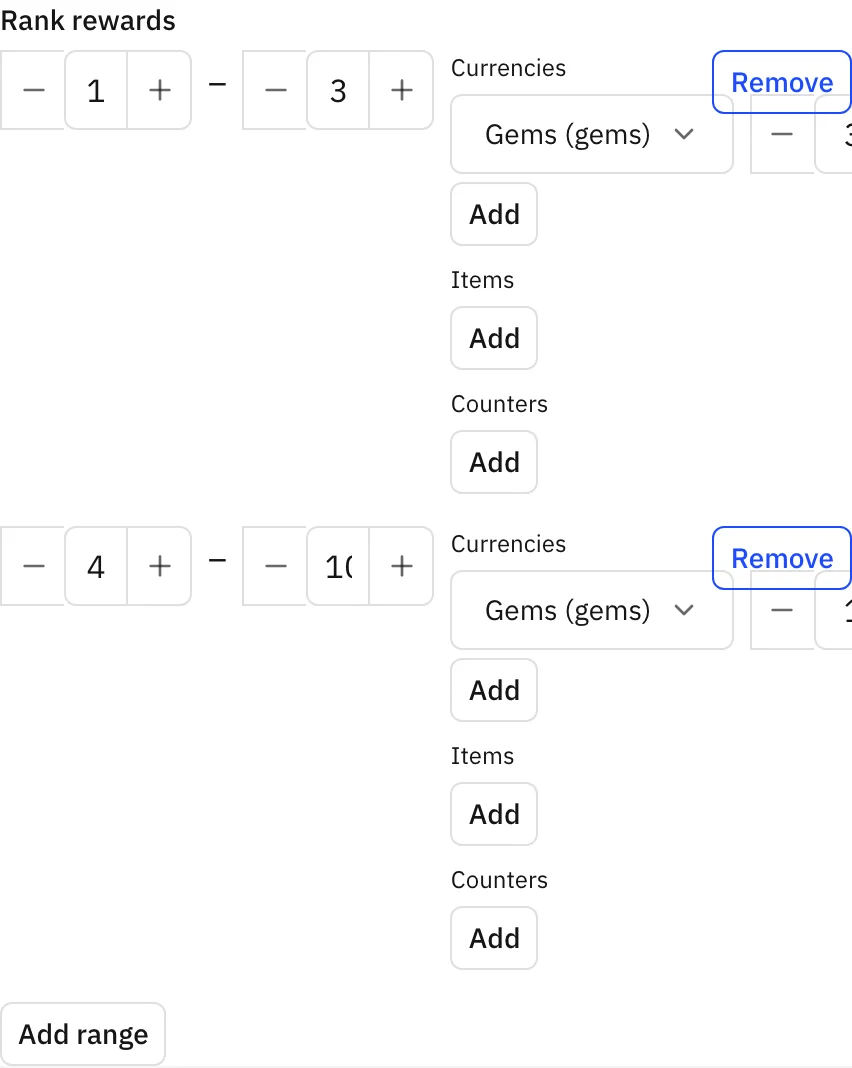
Section titled “ranges”{ "type": "ranges", "value": { "type": "reward", "ref": "items", "refKey": "slug" } }Stored as [{ "from": 1, "to": 3, "value": ... }]. The backend rejects from > to; overlapping
ranges are your module’s business rule.
segment
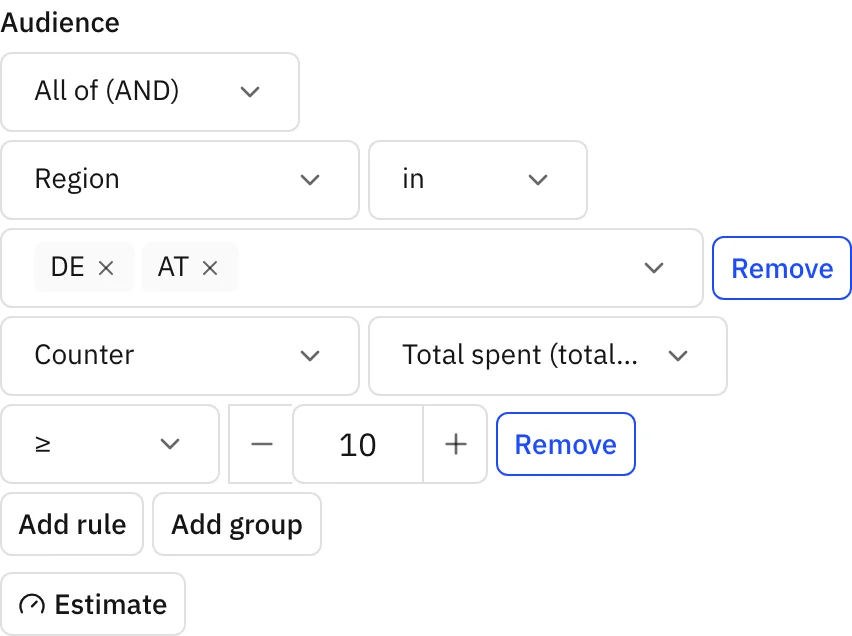
Section titled “segment”A rule builder with AND/OR groups and an Estimate button that counts matching players.
Attributes: player.region, player.lang, player.payer, player.platform, player.appVersion,
player.daysSinceRegister, player.daysSinceLastSeen, counter.<slug>, wallet.<currency> and
bucket (needs a salt). Operators: eq, neq, gt, gte, lt, lte, in, notIn, between.
An empty segment matches every player.
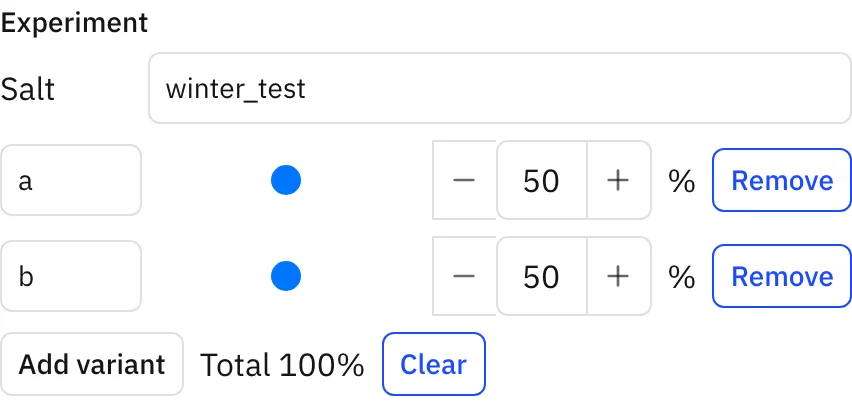
{ "salt": "winter_test", "variants": [{ "key": "a", "from": 0, "to": 49 }, { "key": "b", "from": 50, "to": 99 }] }Percentage sliders. Ranges outside 0–99, overlaps and totals other than 100 are rejected. A/B tests are not a separate entity: a variant is a row whose segment includes a bucket range.
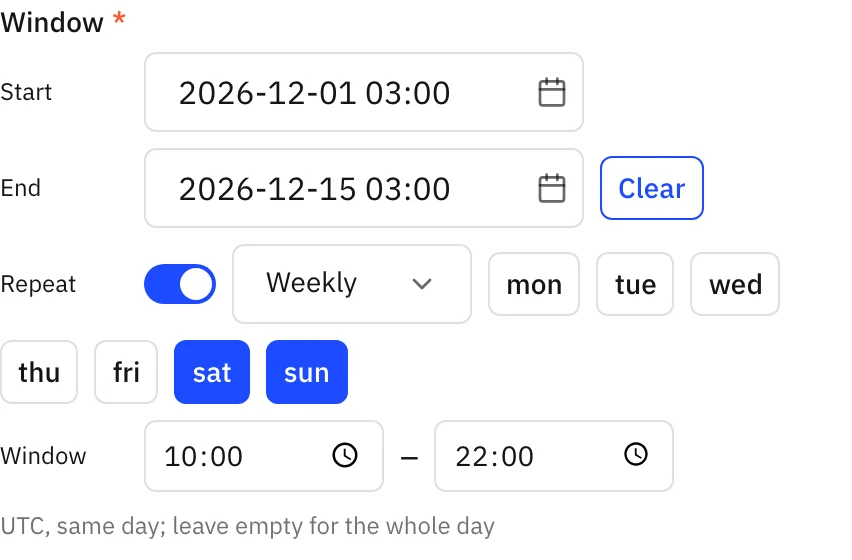
schedule
Section titled “schedule”{ "start": "2026-12-01T00:00:00Z", "end": "2026-12-15T00:00:00Z", "repeat": { "every": "weekly", "days": ["sat", "sun"], "from": "10:00", "to": "22:00" } }end and repeat are optional, times are UTC. An absent schedule means “no time limit”. Row listing
accepts <field>_active=true, and scheduled rows show up on the dashboard Calendar.
Pages and layouts
Section titled “Pages and layouts”{ "slug": "showcase", "title": "Showcase", "resource": "showcase", "layout": "table", "columns": ["name", "kind", "count", "enabled", "window"], "sort": "name", "filters": ["kind", "enabled", "tags", "itemRef"], "bulk": [{ "title": "Grant bonus", "function": "grantBonus", "confirm": "Grant a bonus?" }], "detail": {}, "hooks": {} }| Key | Notes |
|---|---|
slug | Required, unique per module; settings is reserved. |
title | Page title and sidebar entry. |
resource / widgets | Exactly one of the two. A widgets page has no rows and no hooks. |
layout | table (default), cards, timeline, track, results. |
columns | Table columns. |
sort | Field name; -field sorts descending. |
filters | Only enum, bool, list and ref fields. |
card | cards layout: image (an image field), title, subtitle, badges. |
schedule, color | timeline only; schedule is required and must be a schedule field, color an enum field. |
orderField, threshold, lanes | track only; orderField is a required number field. |
score, order, player | results only. |
bulk | { title, function, confirm? }, the function needs trigger admin. |
detail, hooks | Below. |
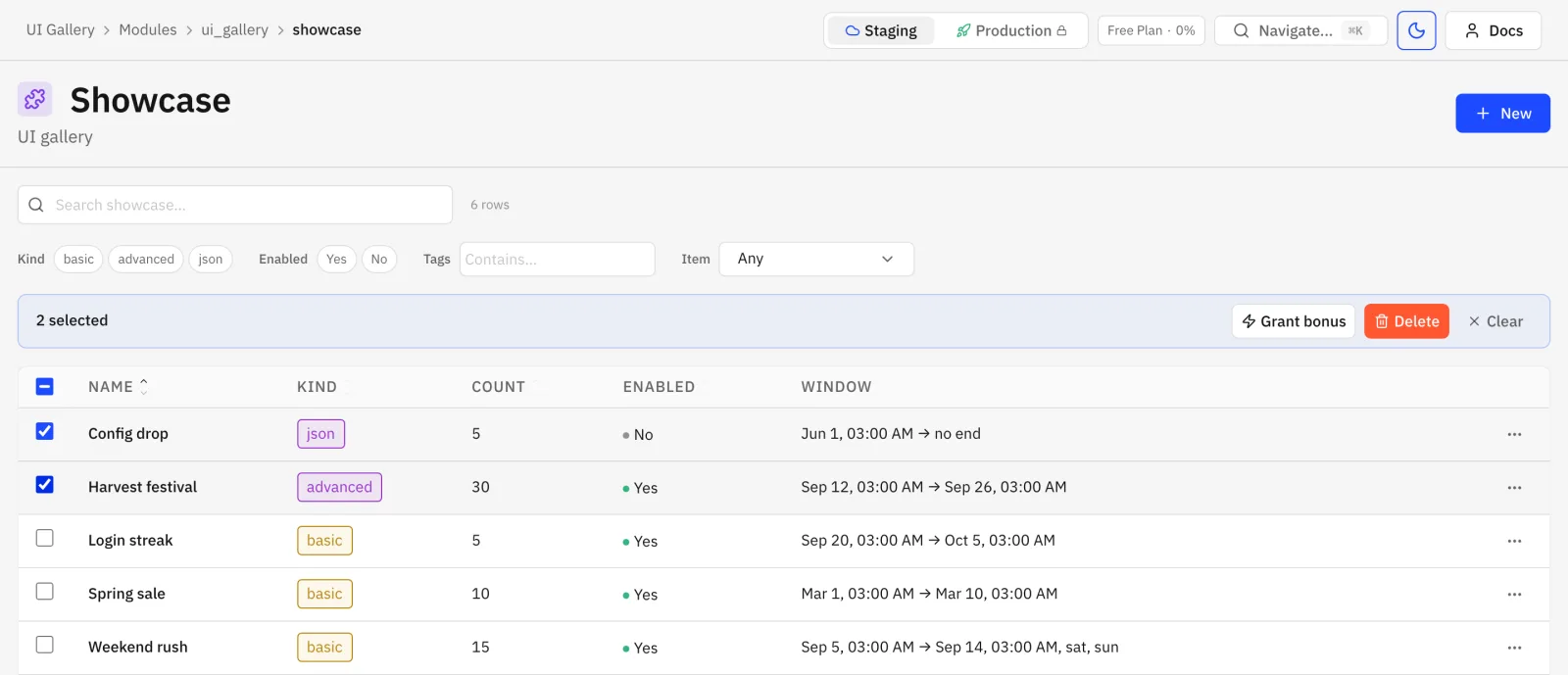
Search, filters, sortable columns, row selection, per-row menu.
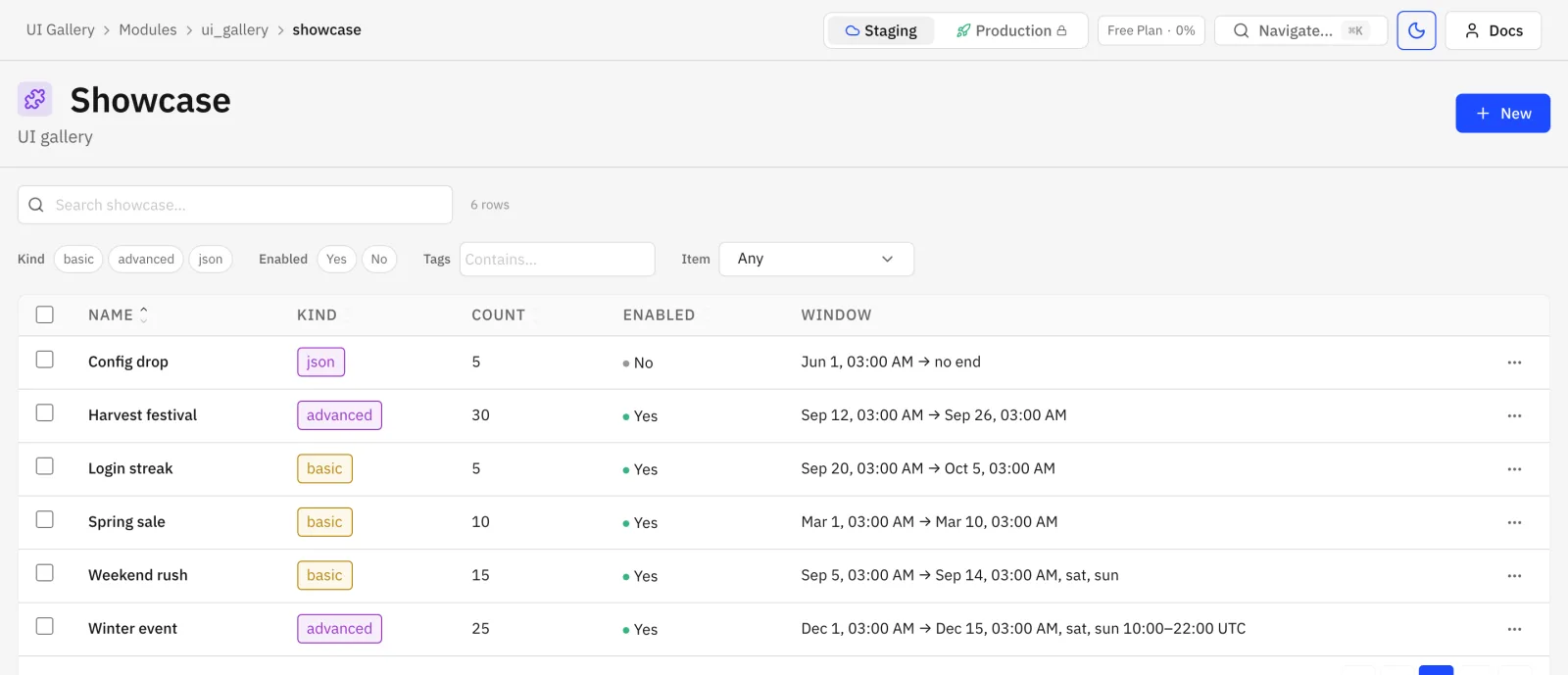
Selecting rows opens the bulk bar with the module’s bulk actions plus Delete.
{ "layout": "cards", "card": { "image": "icon", "title": "name", "subtitle": "slug", "badges": ["kind", "tier"] } }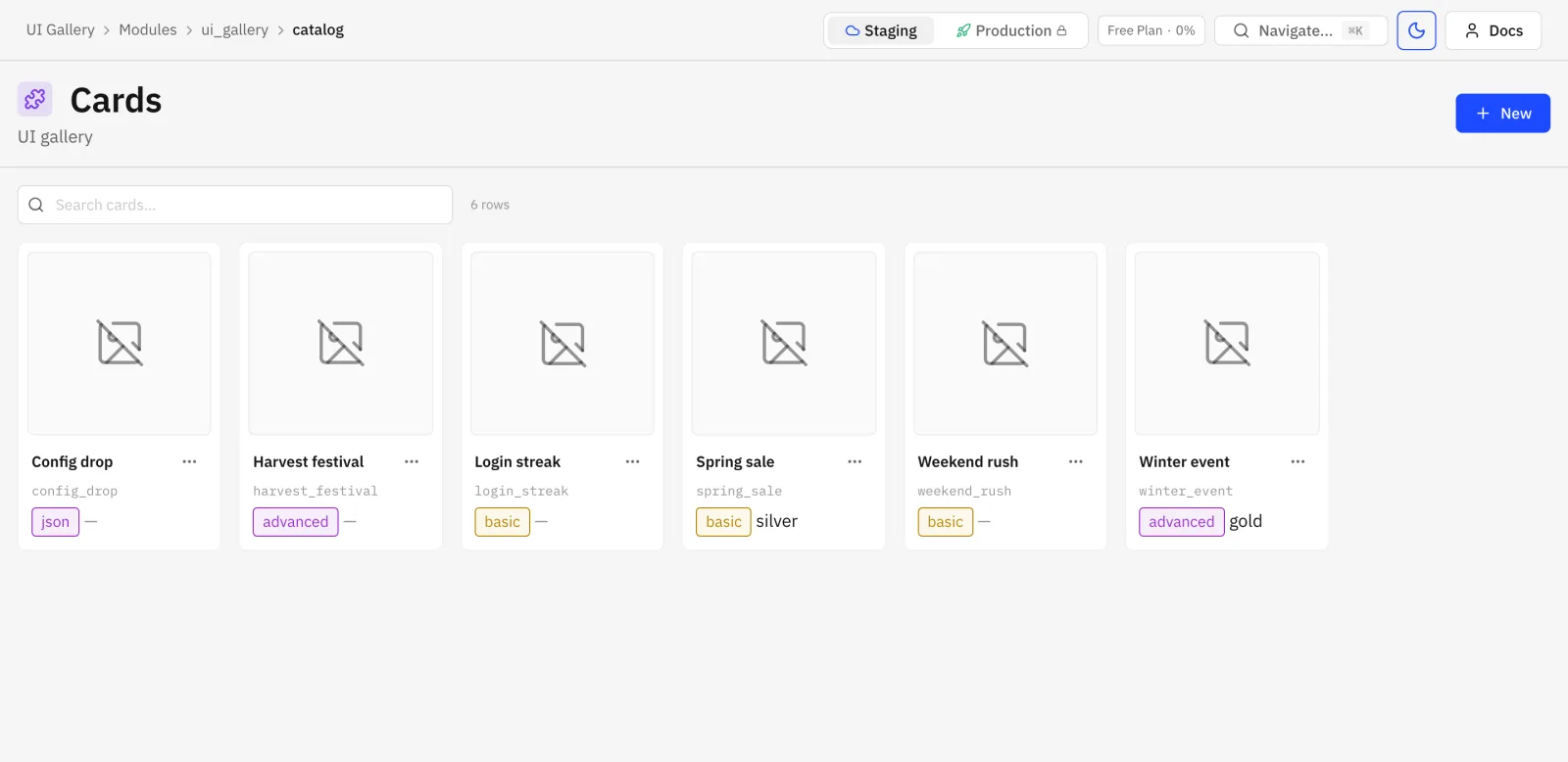
timeline
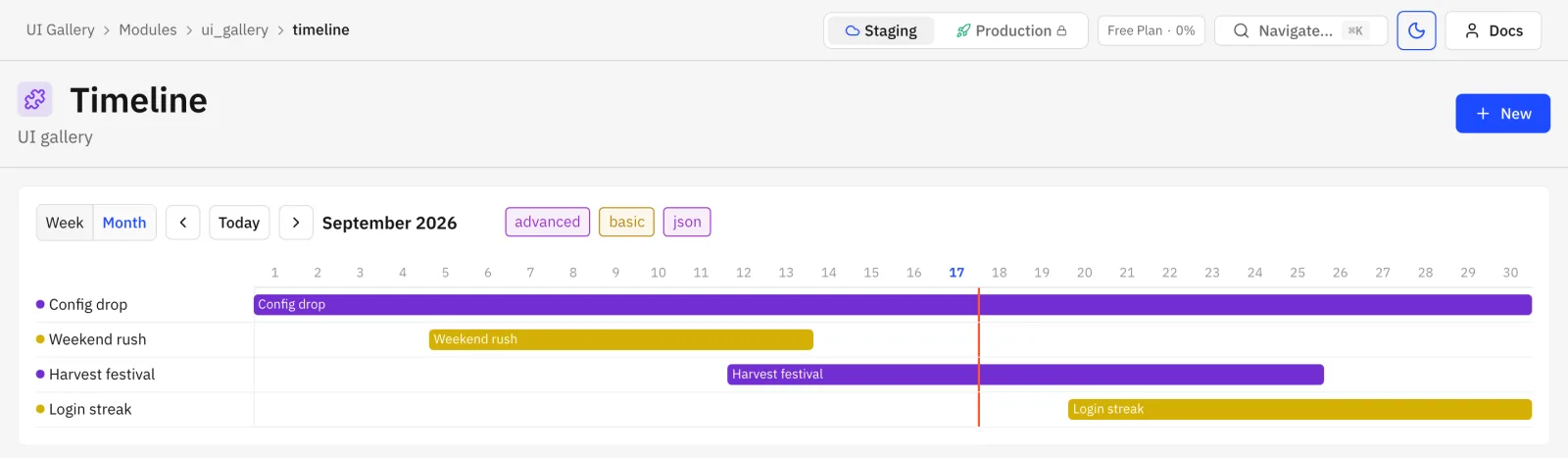
Section titled “timeline”{ "layout": "timeline", "schedule": "window", "color": "kind" }Week or month scale with a “today” marker, one bar per row. Clicking a bar opens the row.
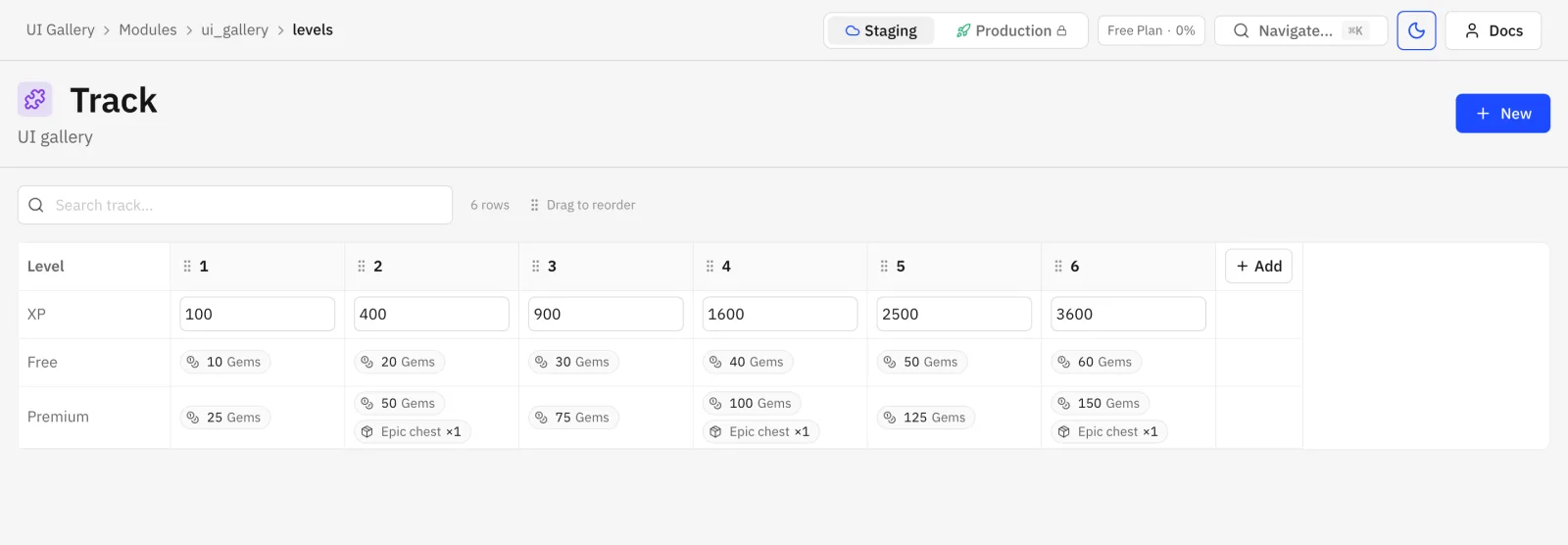
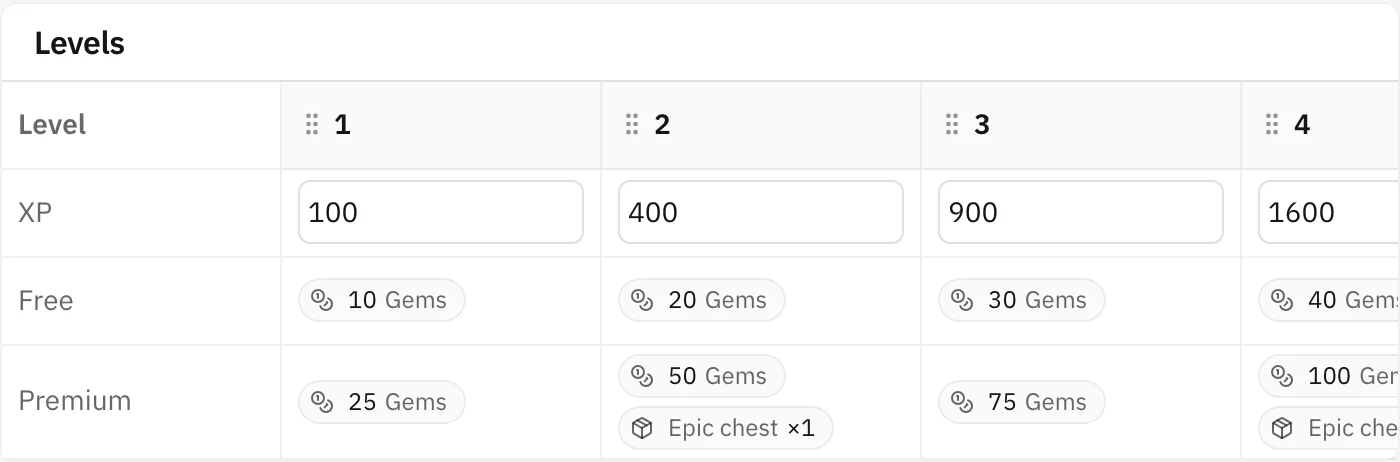
{ "layout": "track", "orderField": "level", "threshold": "xp", "lanes": [{ "title": "Free", "field": "freeReward" }, { "title": "Premium", "field": "premiumReward" }] }Rows become columns of a ladder ordered by orderField. threshold is editable inline, each lane
shows one field. Add, reorder and inline edit are supported.
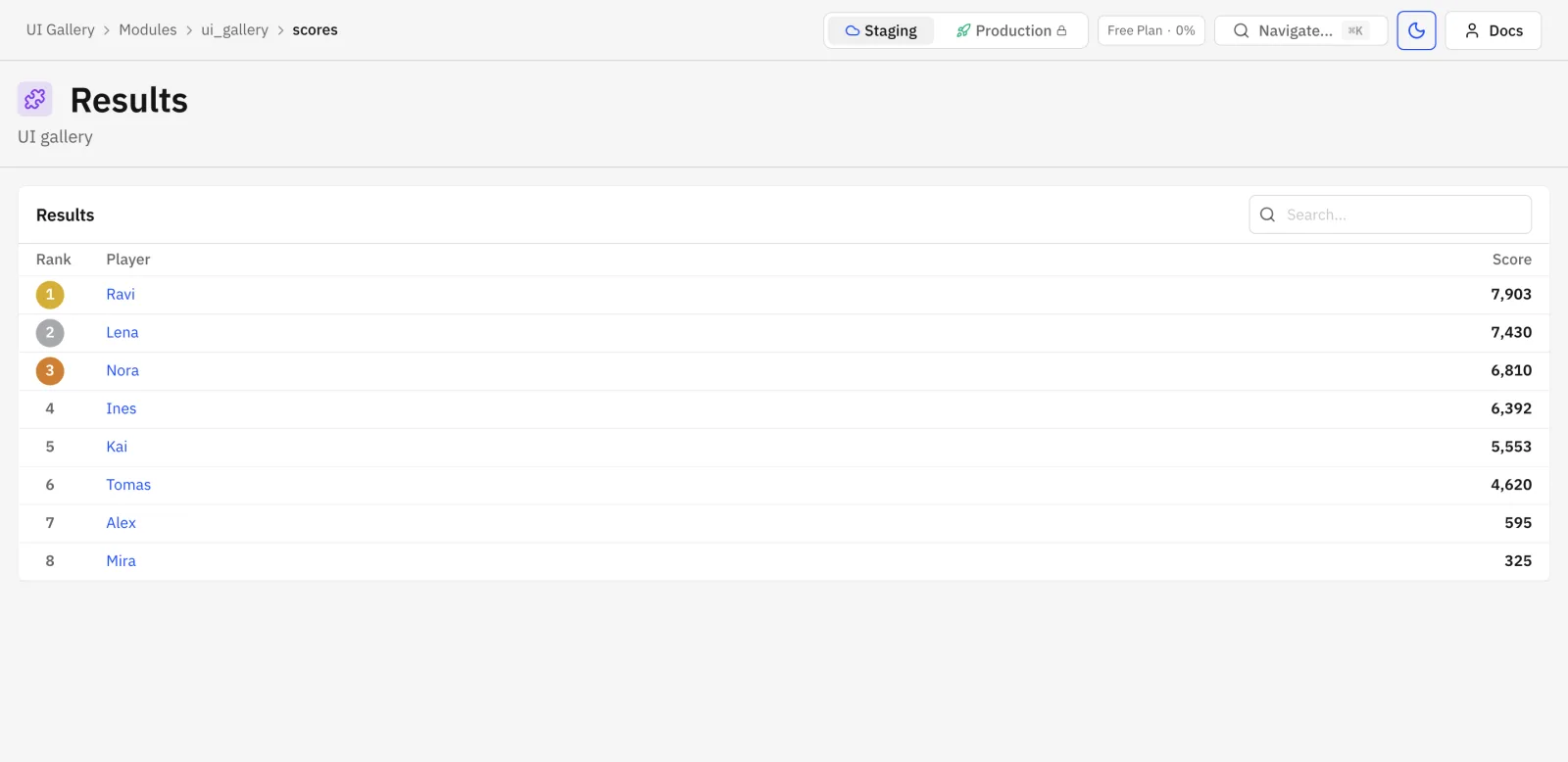
results
Section titled “results”{ "layout": "results", "score": "score", "order": "desc", "player": true }Ranked list with badges for the top three and links to the players. order is asc, desc or
{ "from": "<field of the parent row>" } (detail only). player: true needs a player-scoped resource.
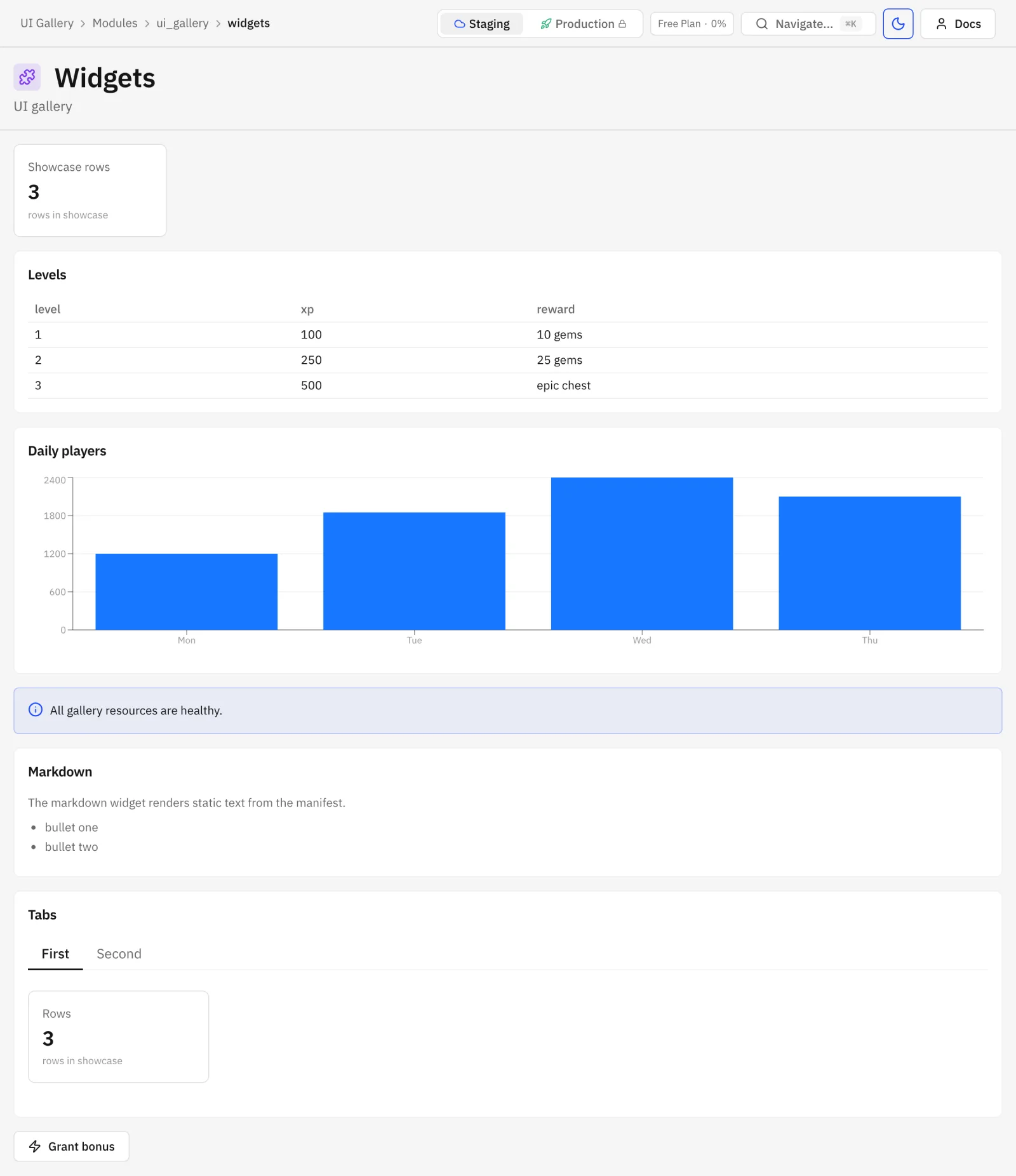
widget page
Section titled “widget page”A page with widgets instead of resource renders widgets only.
Detail pages
Section titled “Detail pages”"detail": { "key": "slug", "image": "icon", "sections": [{ "title": "General", "fields": ["name", "slug", "kind"] }], "widgets": [], "children": [], "hooks": {}}| Key | Notes |
|---|---|
key | Field used in the URL instead of the row id. Must be unique or a slug field. |
image | An image field, rendered in the side column. |
sections | { title, fields }; a two-column grid, wide editors span both columns. |
widgets | Rendered under the form. results widgets and match are allowed only here. |
children | Editable child rows, below. |
hooks | Below. |
The side column holds the image, the player picker for player-scoped rows, row metadata and Used in.
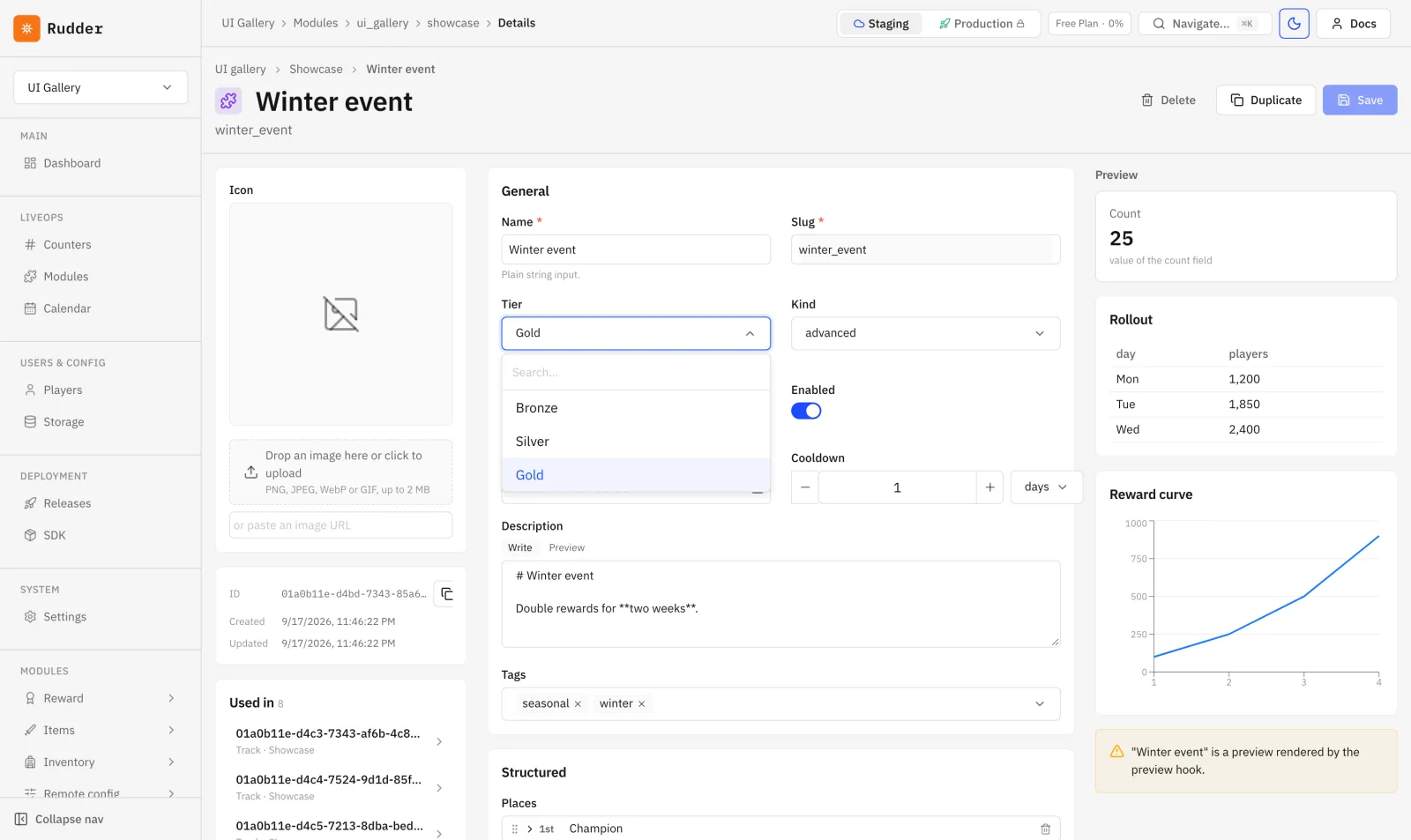
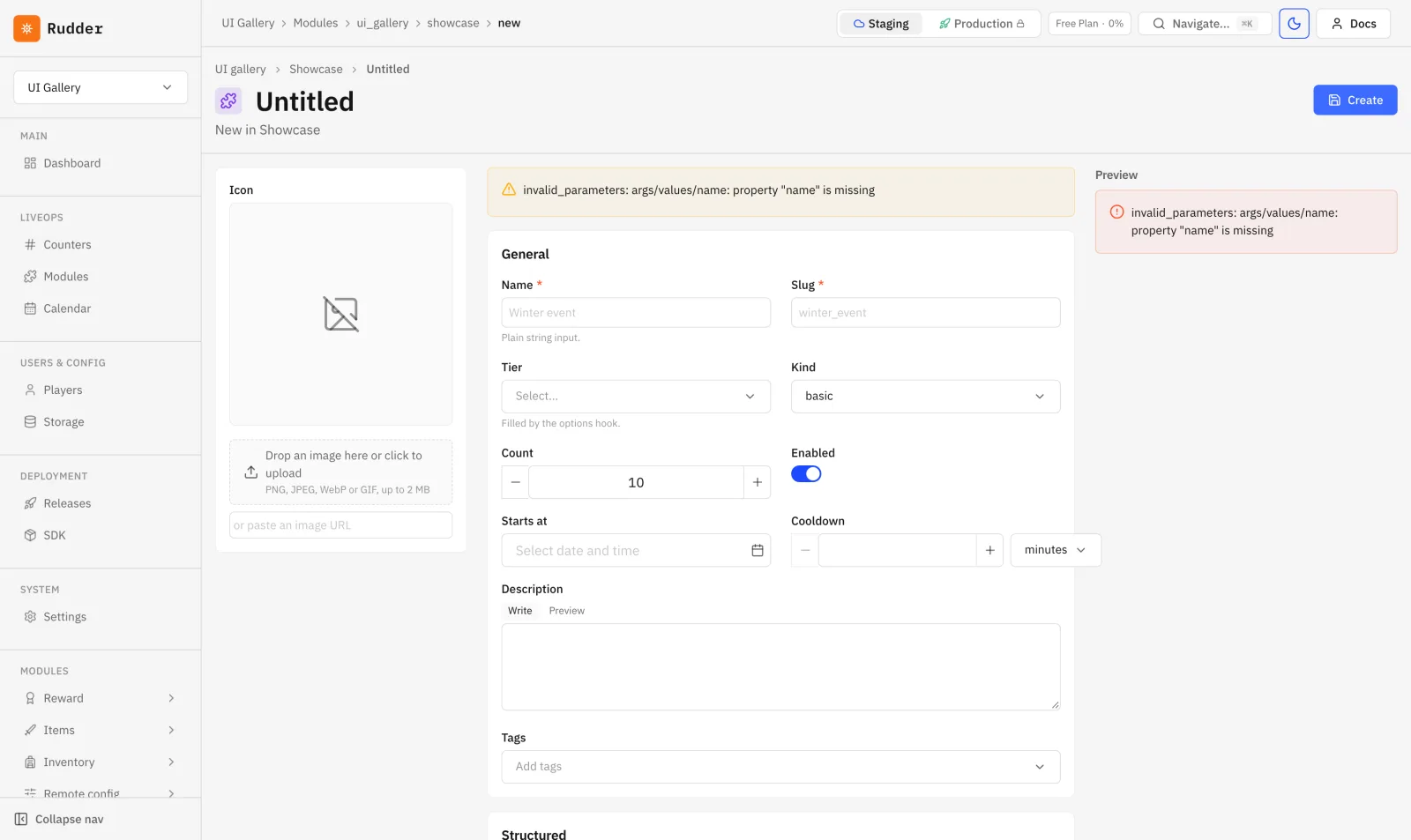
A detail page with a preview panel and an options-driven select open:
Creating a row from a list page opens the same editors in a drawer.
Children
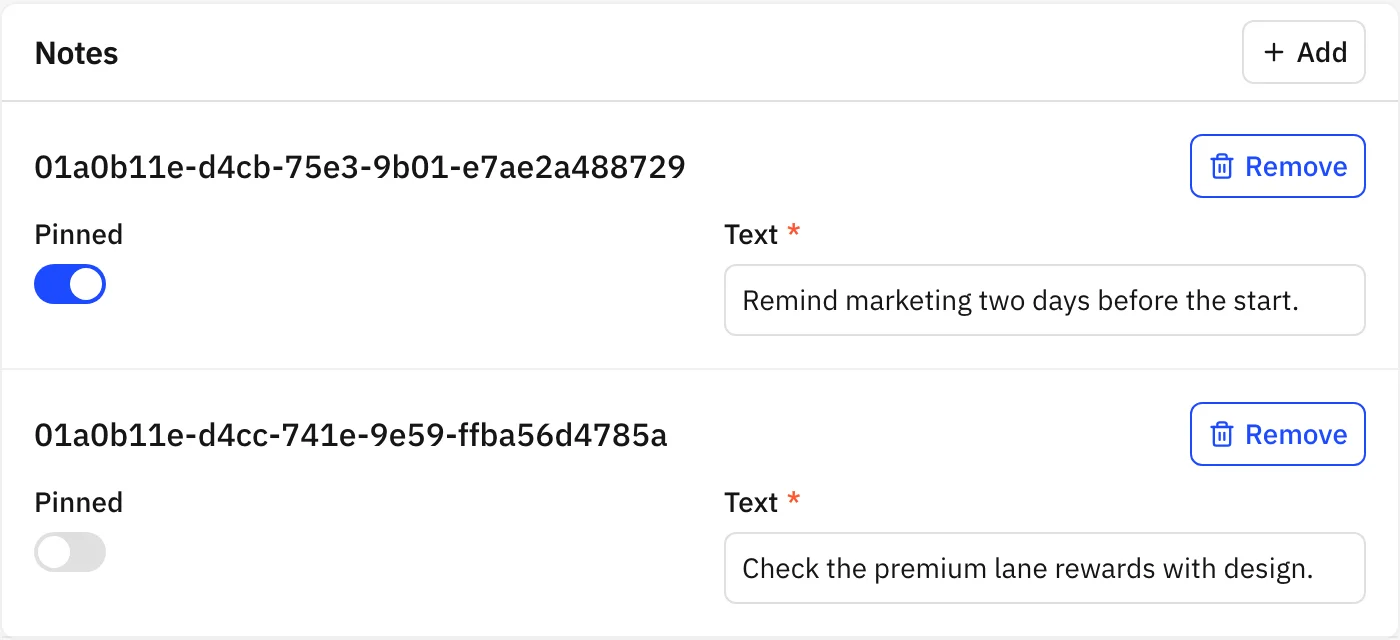
Section titled “Children”"children": [ { "title": "Levels", "resource": "levels", "match": { "showcase": "$row.slug" }, "layout": "track", "orderField": "level", "threshold": "xp", "lanes": [{ "title": "Free", "field": "freeReward" }, { "title": "Premium", "field": "premiumReward" }] }, { "title": "Notes", "resource": "notes", "match": { "showcase": "$row.slug" }, "layout": "list" }]title,resourceandmatchare required.matchmaps a child field to$row.idor$row.<field>; new child rows get those values filled in.layoutistable(default),listortrack.trackrequiresorderField.- Children accept
validate,previewandoptionshooks, but notsave. - Without a
savehook the dashboard writes the row and its children in one transaction, at most 100 child operations, all or nothing.
UI hooks
Section titled “UI hooks”"hooks": { "validate": "validate", "preview": "preview", "options": { "tier": "tierOptions", "objectives.*.counter": "counterOptions" }, "save": "saveShowcase"}Every name must be a declared function with trigger admin. validate, preview and options run
as a dry run — reads work, writes are rolled back. save runs committed, so one hook can write a row
and its children in a single transaction.
| Hook | Called | Arguments | Returns |
|---|---|---|---|
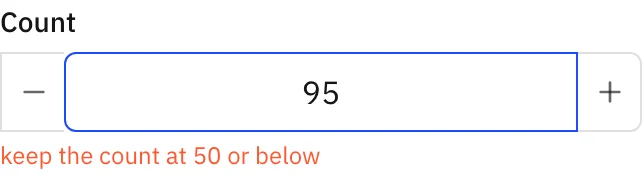
validate | before save and 500 ms after the last edit | { values, rowId, children } | { errors: { "<path>": "<message>" } }, paths use /, e.g. levels/3/xp |
preview | on open and 500 ms after the last edit | { values, rowId, children } | { widgets: [...] }, rendered in the side panel |
options | when the select opens, and 300 ms after the search text changes | { field, search, values } | { options: [{ value, label, icon? }] } |
save | on save, replaces the default write | { values, rowId, children } | { id } or a business error; invalid_parameters with { errors } maps back to fields |
options keys are field paths where * matches a list index; the hook receives the concrete path in
field. It applies to string, enum, ref and number fields.
An error returned by validate:
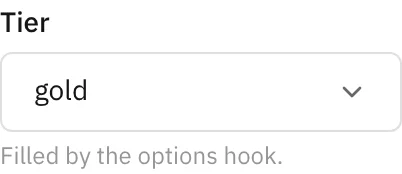
A select filled by options:
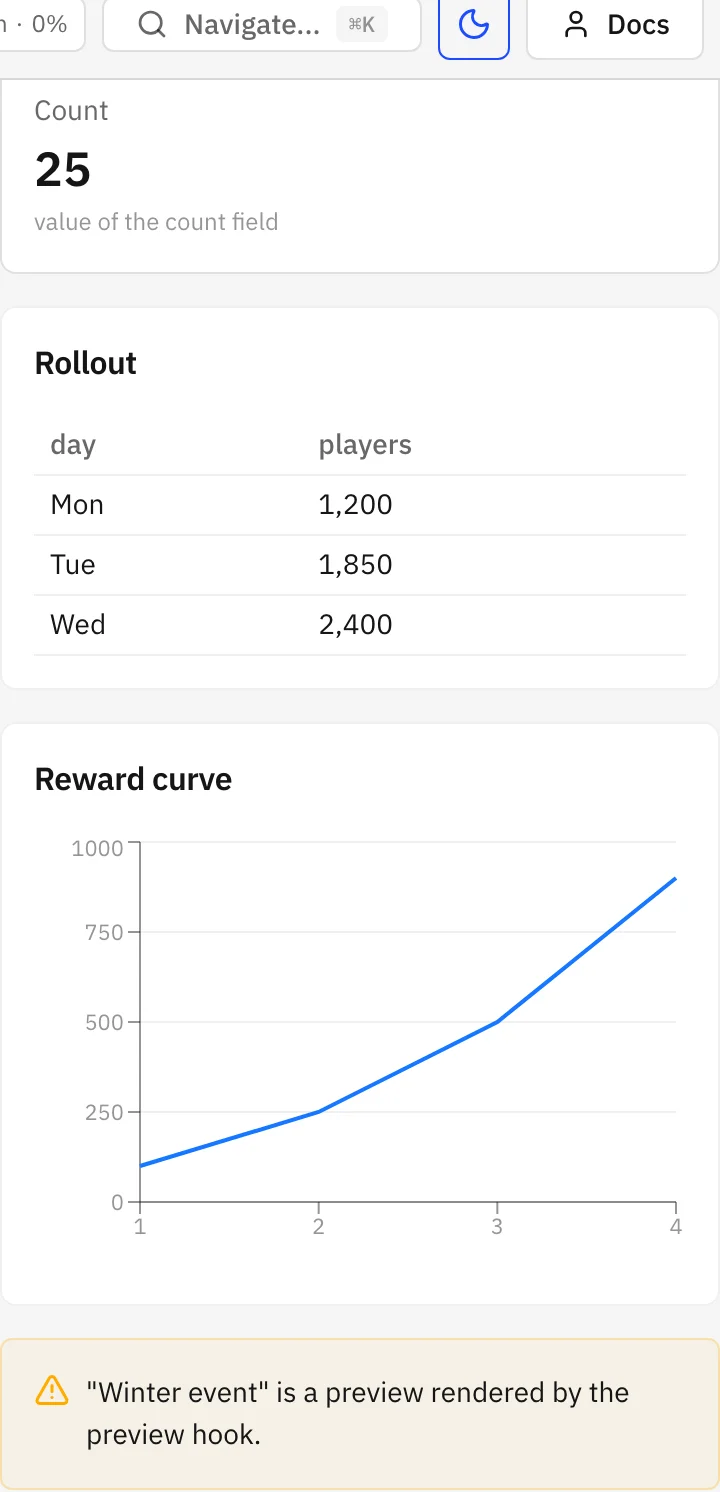
The panel preview renders (stat, table, chart and alert widgets):
Widgets
Section titled “Widgets”| Type | Allowed on | Keys | Function result |
|---|---|---|---|
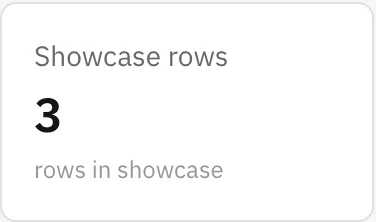
stat | page, detail, dashboard, player | title, function, input | { value, hint? } or a scalar |
table | page, detail, dashboard, player | title, function | { title?, columns, rows } |
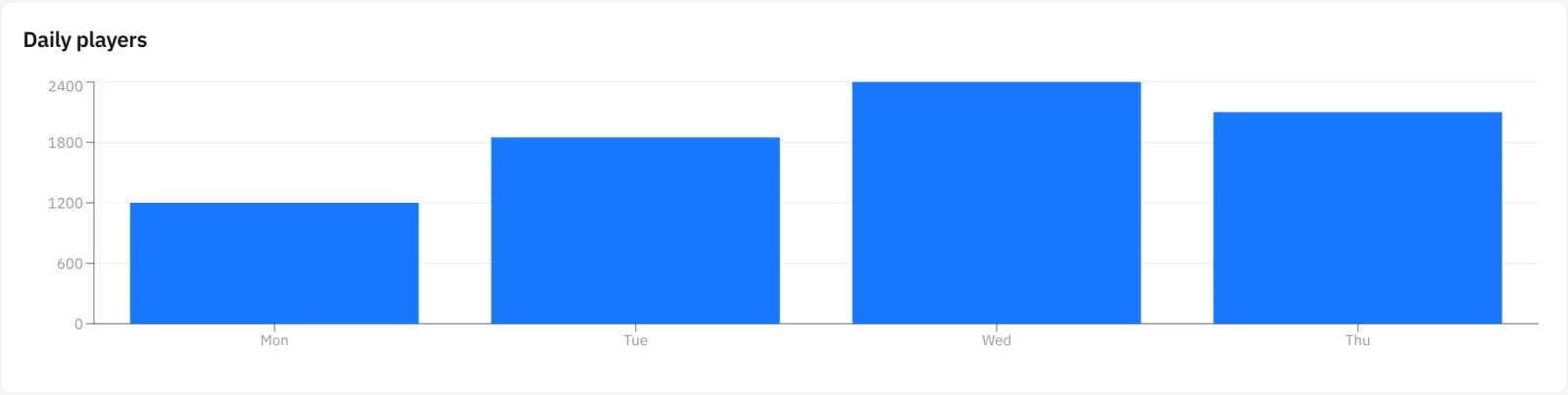
chart | page, detail, dashboard, player | title, function | { title?, kind: "line" or "bar", series: [{ name, points: [{ x, y }] }] } |
alert | page, detail, dashboard, player | title, function | { level: "info", "warning" or "error", text } |
markdown | page, detail, player | title, body | static |
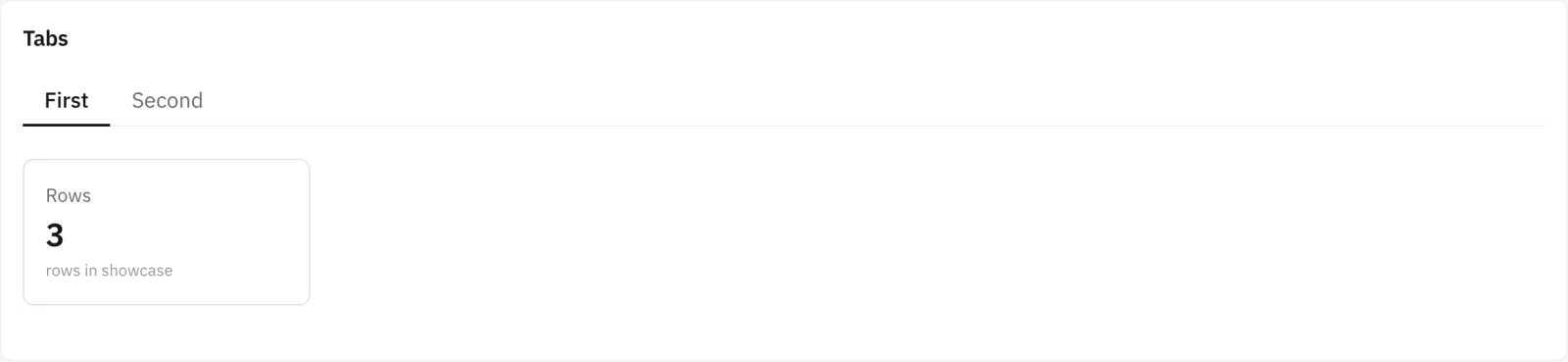
tabs | page, detail, player | title, tabs: [{ title, widgets }] | — |
action-button | page, detail, dashboard, player | title, function, confirm, input | anything, shown as a toast |
resource-table | page, detail, player | resource, columns, sort, match | — |
results | detail only | resource, score, order, player, match | — |
match ({ "<target field>": "<field of the detail row>" }) works only inside a detail. input is a
nested field schema rendered as a form with the editors above. Every function must be declared with
trigger admin.



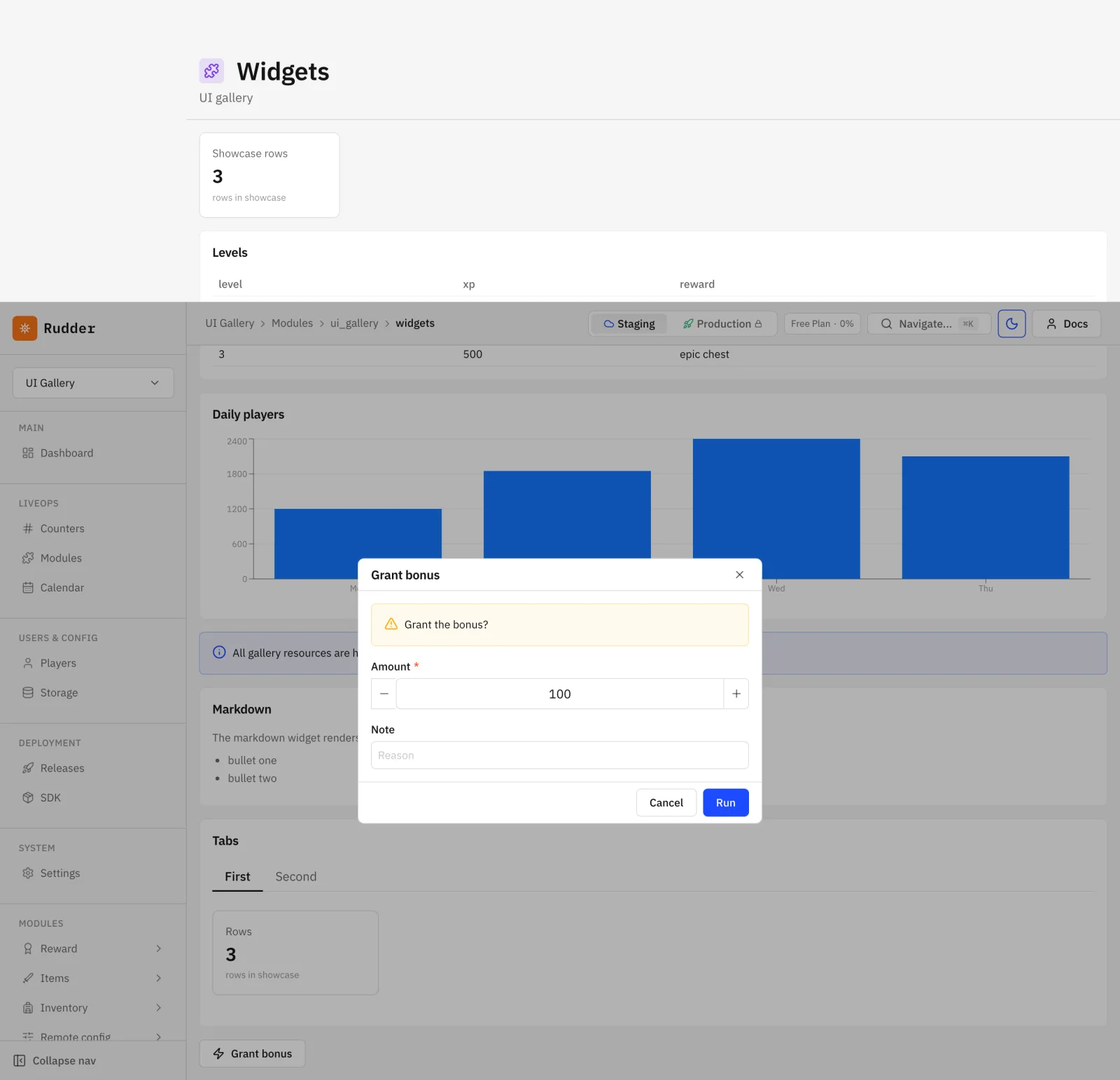
An action-button with input opens a form modal:
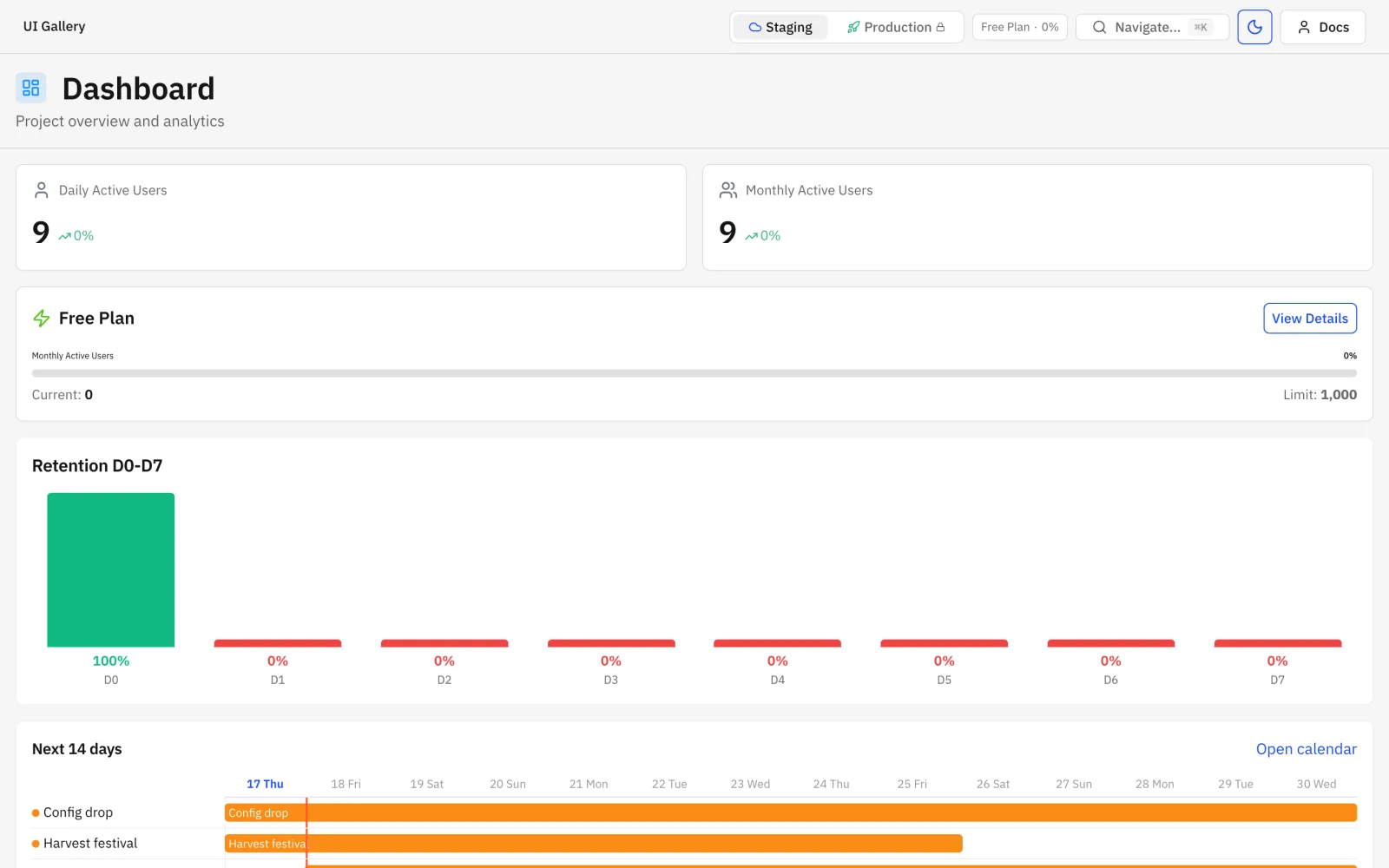
Dashboard blocks:
Player page blocks:
Samples
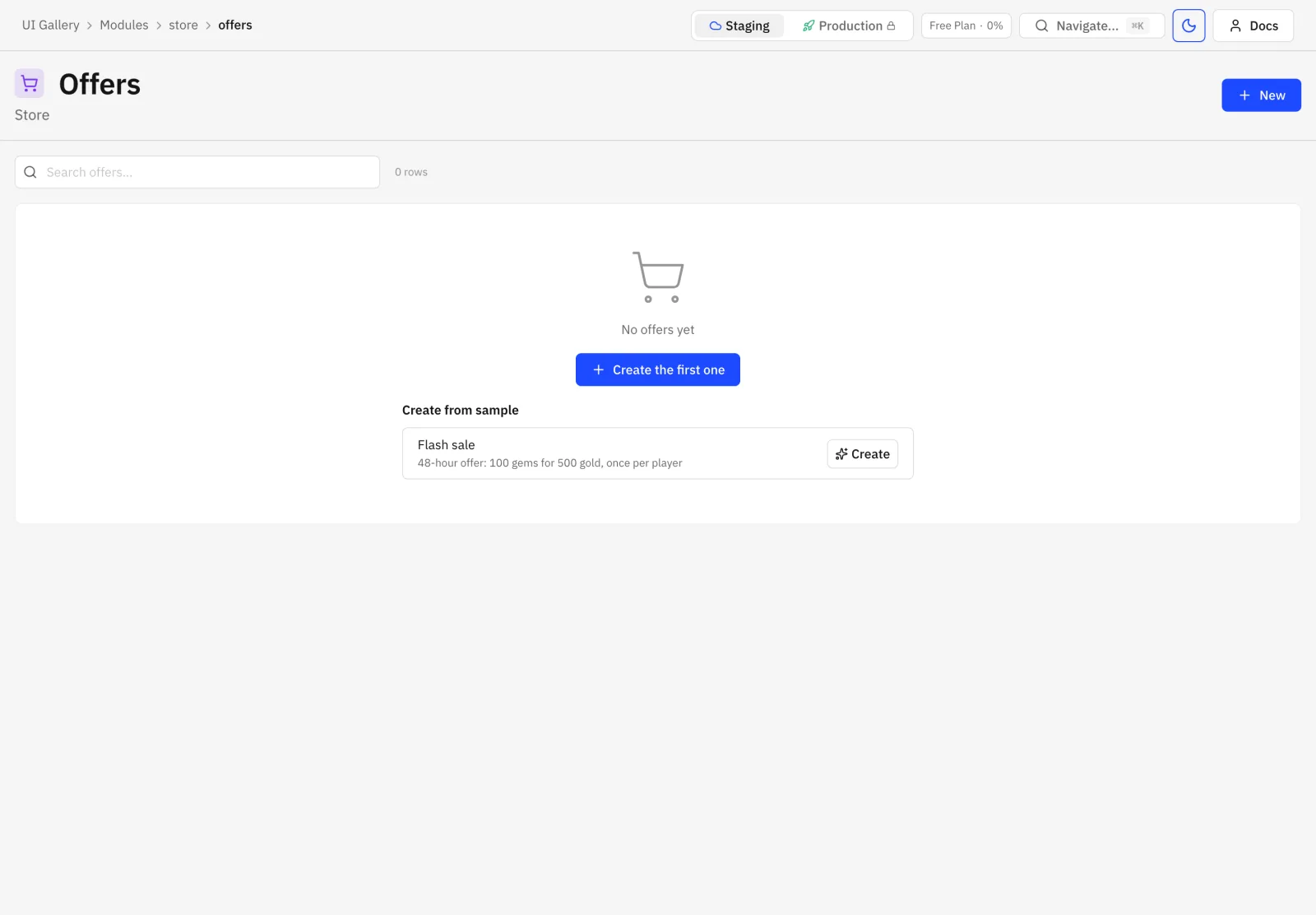
Section titled “Samples”"samples": [ { "key": "flash_sale", "title": "Flash sale", "description": "48-hour offer: 100 gems for 500 gold, once per player", "rows": { "offers": [{ "name": "Flash sale", "slug": "flash_sale", "schedule": { "start": "$now", "end": "$now+2d" } }] } }]Sample rows are validated at publish against the resource schemas. Placeholders: $now and
$now+<n>d|h; refs use the target’s refKey value. Creating a sample writes every row in one
transaction, in the order the resources are listed. An empty page offers the module’s samples:
Module settings
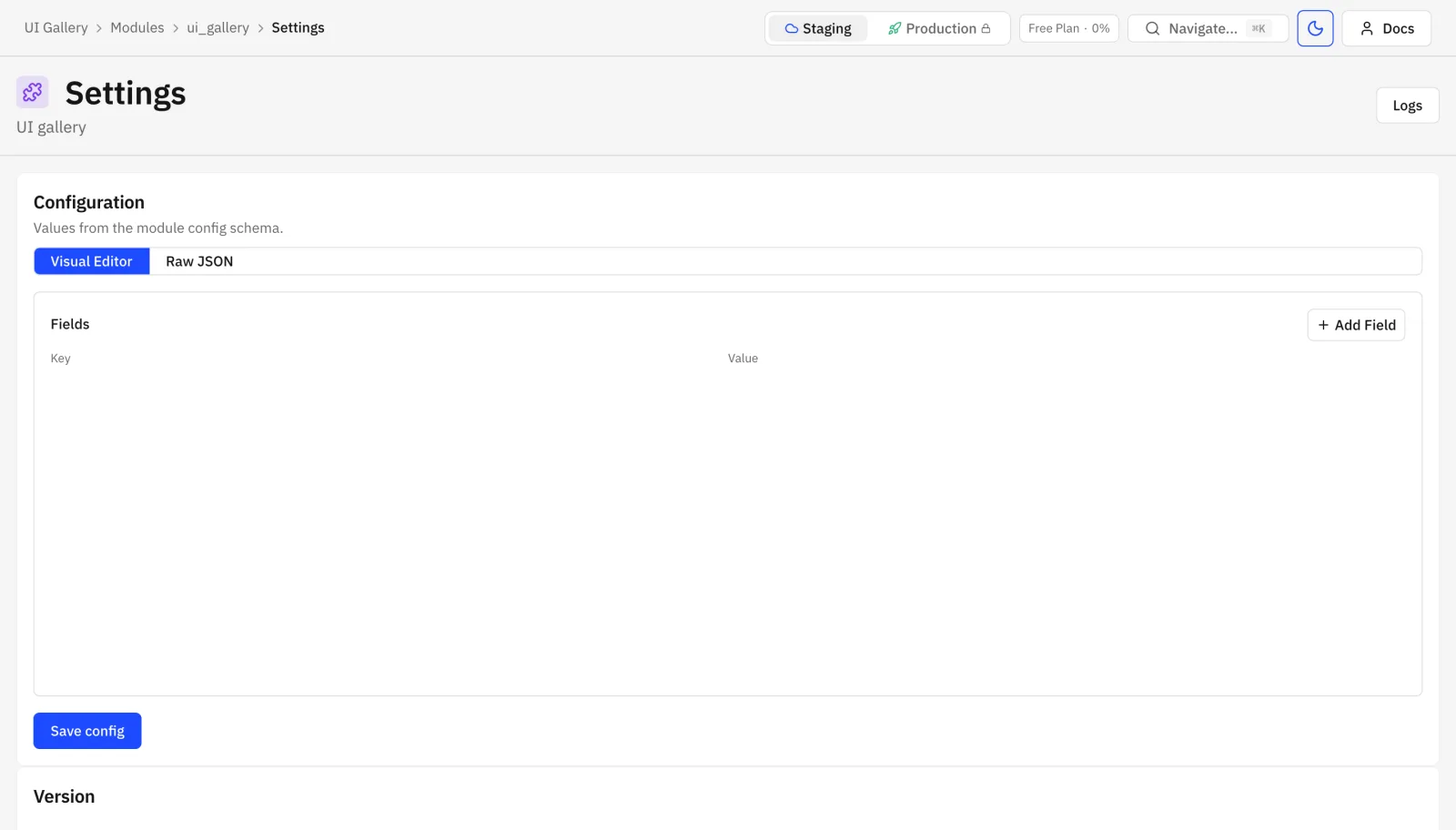
Section titled “Module settings”Every module also gets the reserved Settings page: config schema form, enable or disable, update, eject, uninstall, download source.
What publish rejects
Section titled “What publish rejects”admin.paletteother than1or2, or palette-2 features with palette 1.- A page slug that is empty, duplicated or
settings. - A page with both or neither of
resourceandwidgets, or hooks on a widgets page. - A missing resource or field, or a field of the wrong type:
filtersoutsideenum/bool/list/ref,card.imagenot animage,schedulenot aschedule,orderField,thresholdandscorenotnumber,colornot anenum. schedule/colorwithouttimeline,threshold/laneswithouttrack,score/order/playerwithoutresults,matchor aresultswidget outside a detail.detail.keyon a field that is neitheruniquenor a slug.- A child block without
title,resourceormatch, amatchsource that is not$row.idor$row.<field>, atrackchild withoutorderField, or a child with asavehook. - A hook, bulk action or widget function that is missing or does not have trigger
admin. player: trueor a playerresource-tableon a resource that is not player-scoped.